




Affinity™ Magnetic Track for Under Cabinet Lights
Tax included. Shipping calculated at checkout
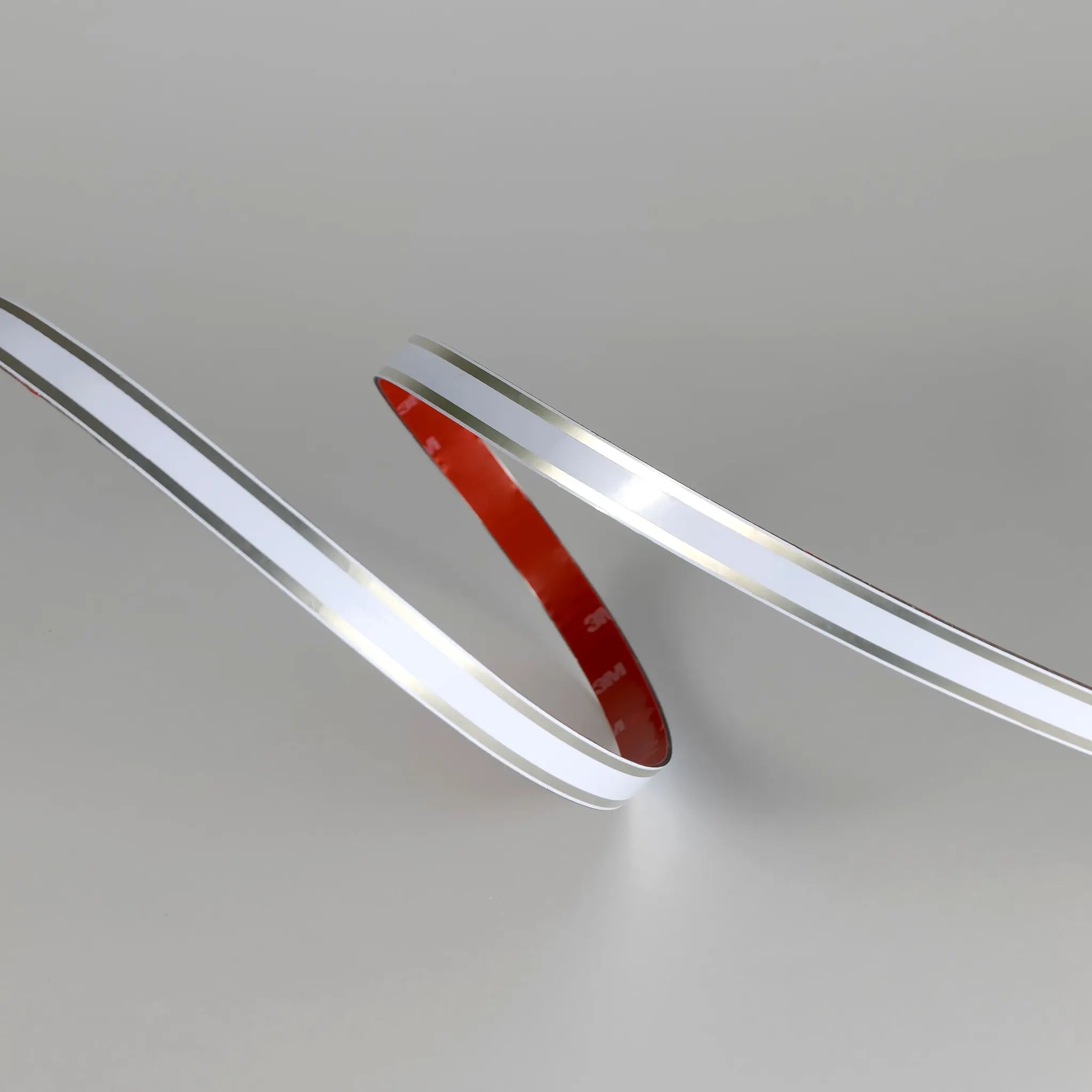
Affinity™ is a magnetic track lighting system for under cabinet lights. Stick the track in place, then add spotlights, LED strips and controls from the interchangeable accessories to build the under cupboard lighting you want.
Award-winning: People's Choice, KBB Innovation Awards 2026, and Installer-Friendly Product of the Year, BIFIS Awards 2026.
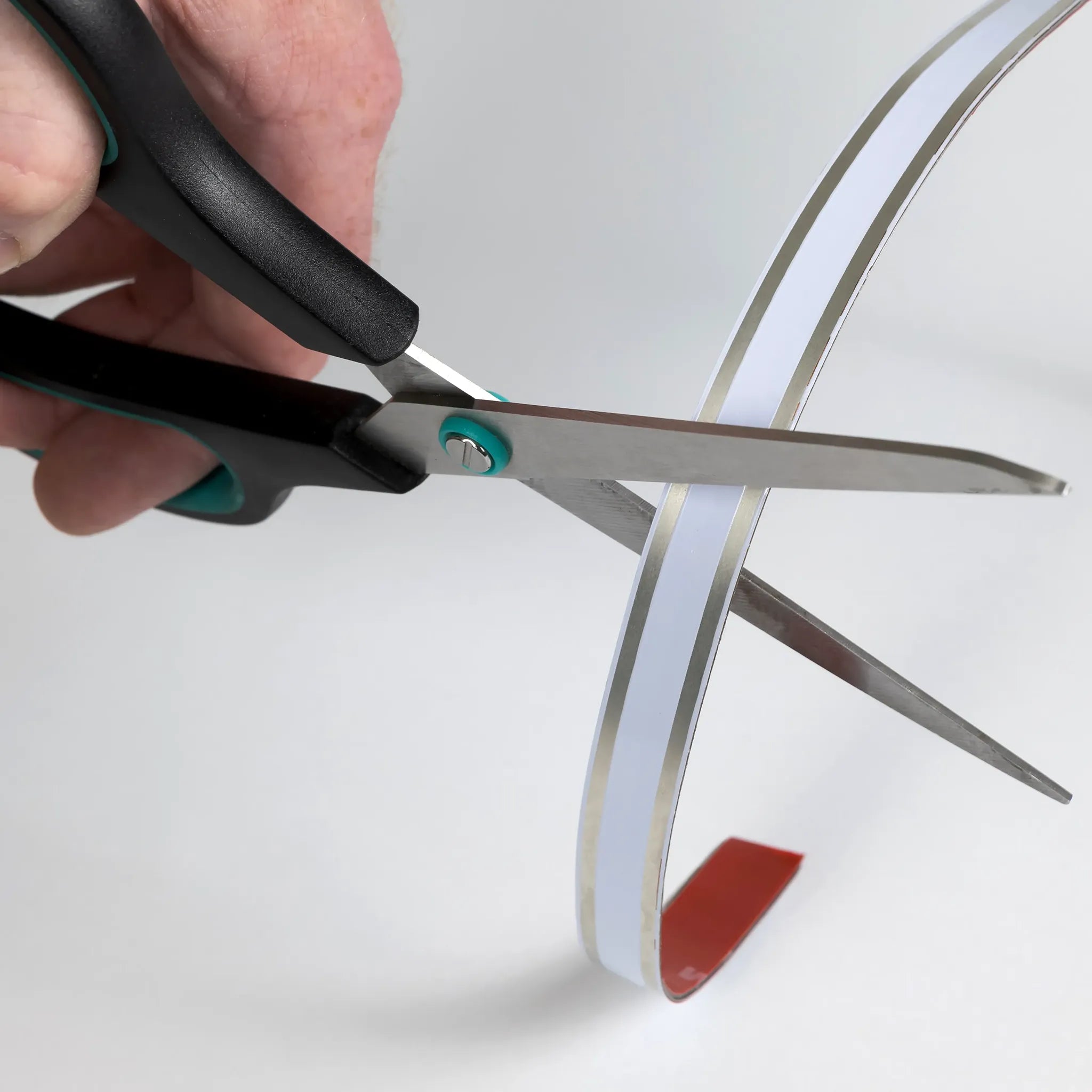
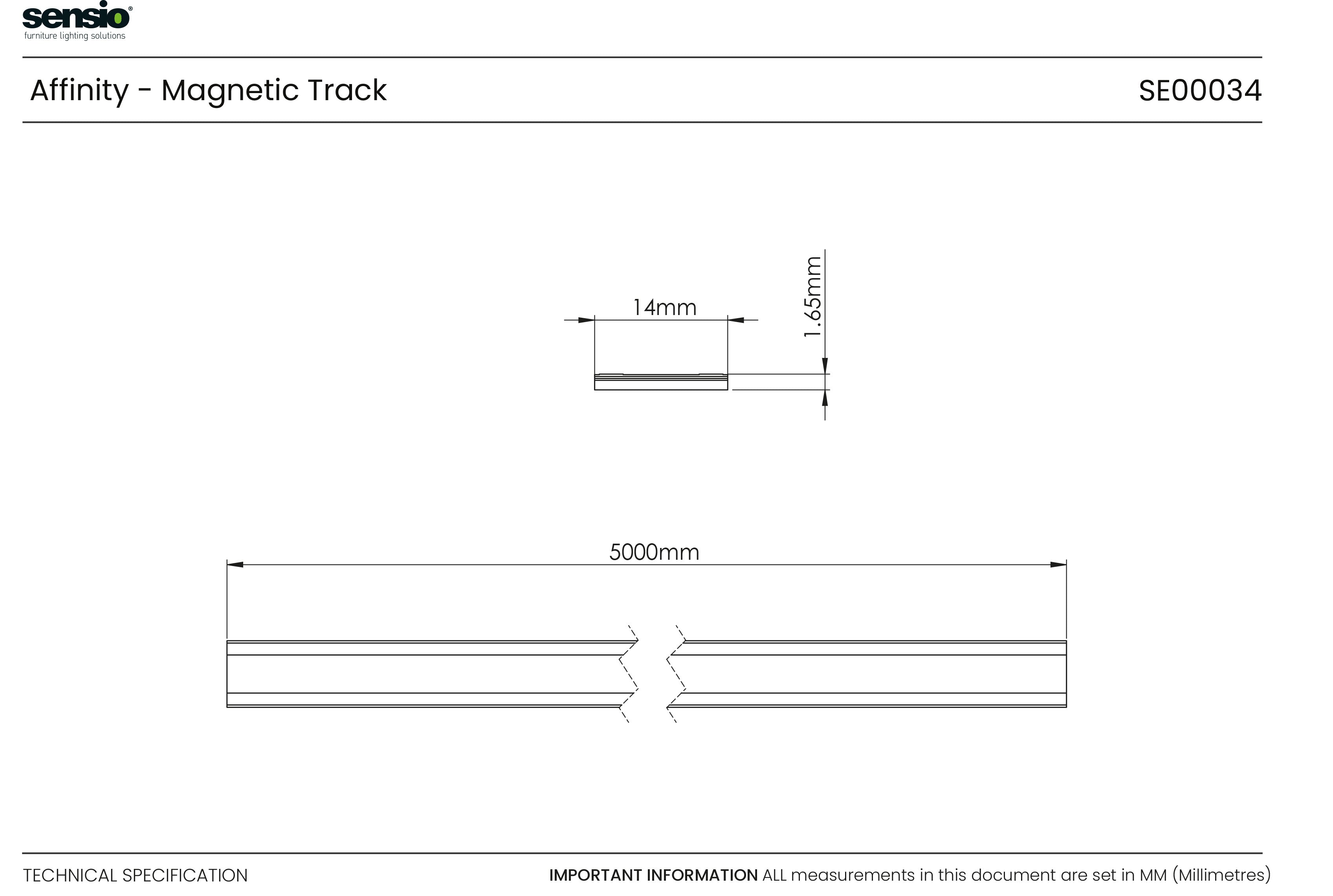
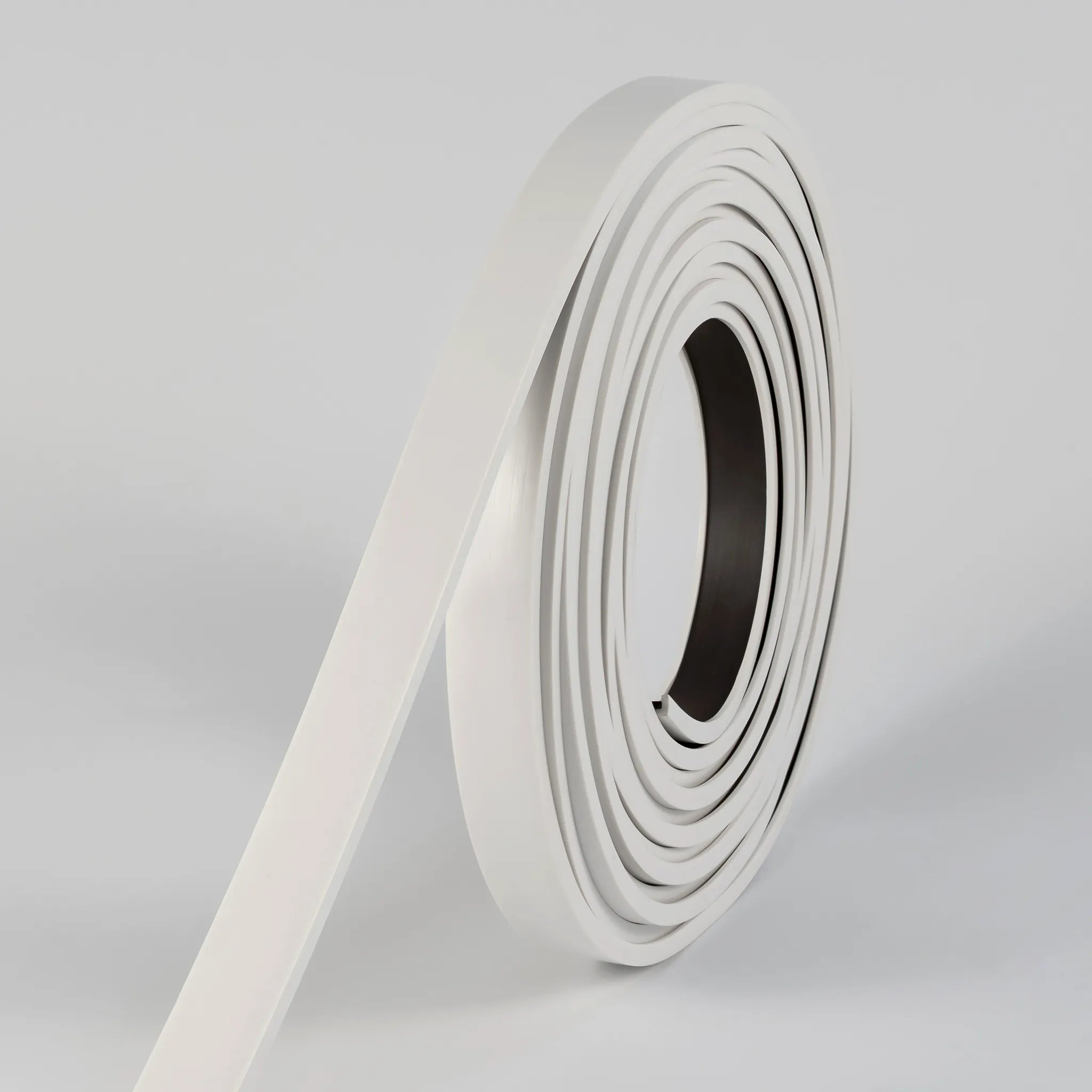
The track can be cut to any length and fixes with VHB (very high bond) adhesive tape. One power cable (sold separately) and a Titan+ Driver, chosen by wattage, run multiple lights, so you do not need to chase a cable to each light. Available in 3m and 5m lengths.
A magnetic track lighting system designed to make custom lighting effortless. Simply stick the track to your desired surface and customise your setup, from spotlights to LED strips using interchangeable accessories and controls. The system requires only one power cable (sold separately) and any Titan+ Driver (depending on wattage), to run multiple lights, reducing the need to chase each light.
- Free cut: Can be cut to any desired length
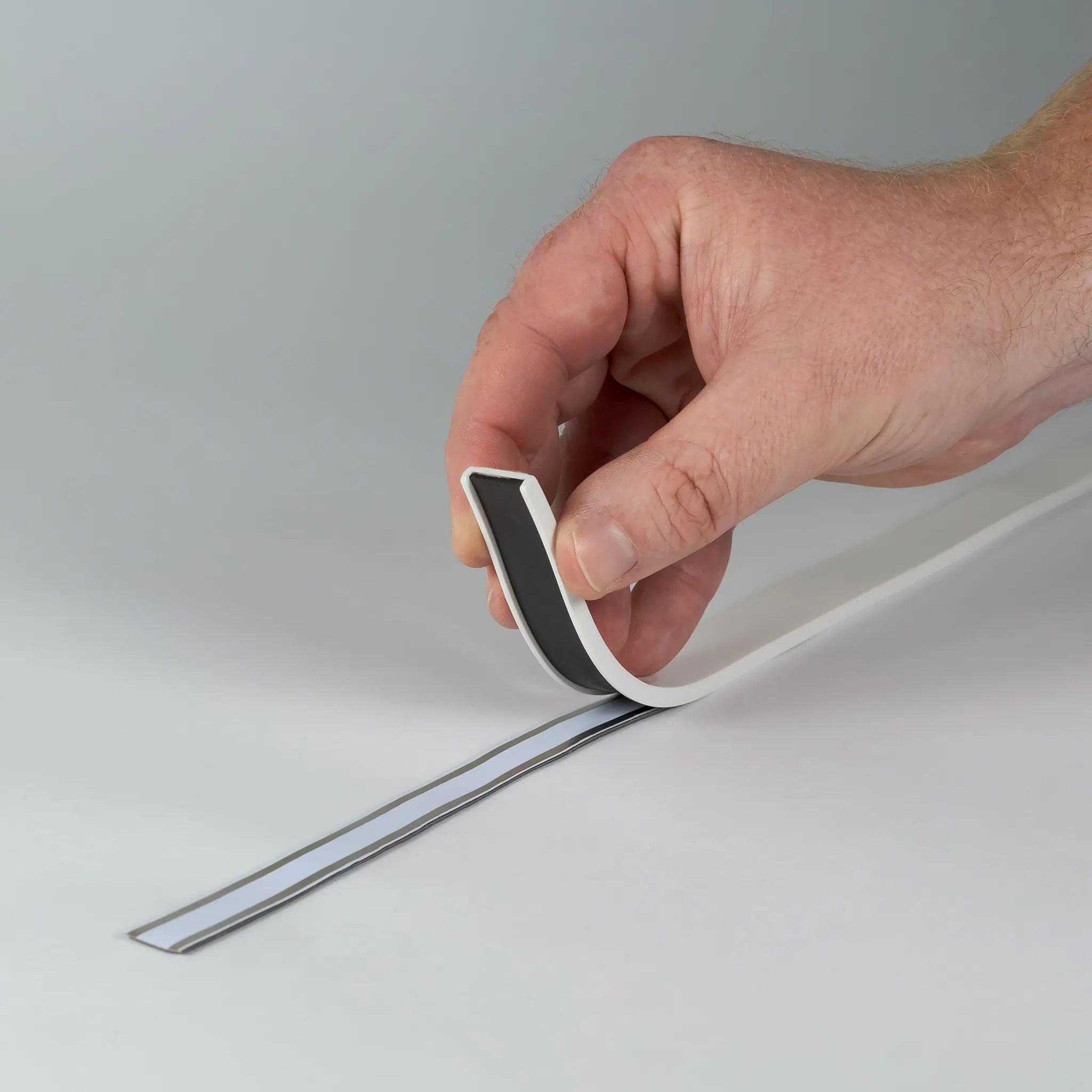
- VHB (Very High Bond): adhesive tape backing for secure installation
- Patent protected
Specification
Specification
Guides & Downloads
Guides & Downloads
View and download the product files and technical specifications
Product Dimensions
Driver Calculator
Installation Video
Questions and answers
Guides & Downloads
View and download the product files and technical specifications
Magnetic technology
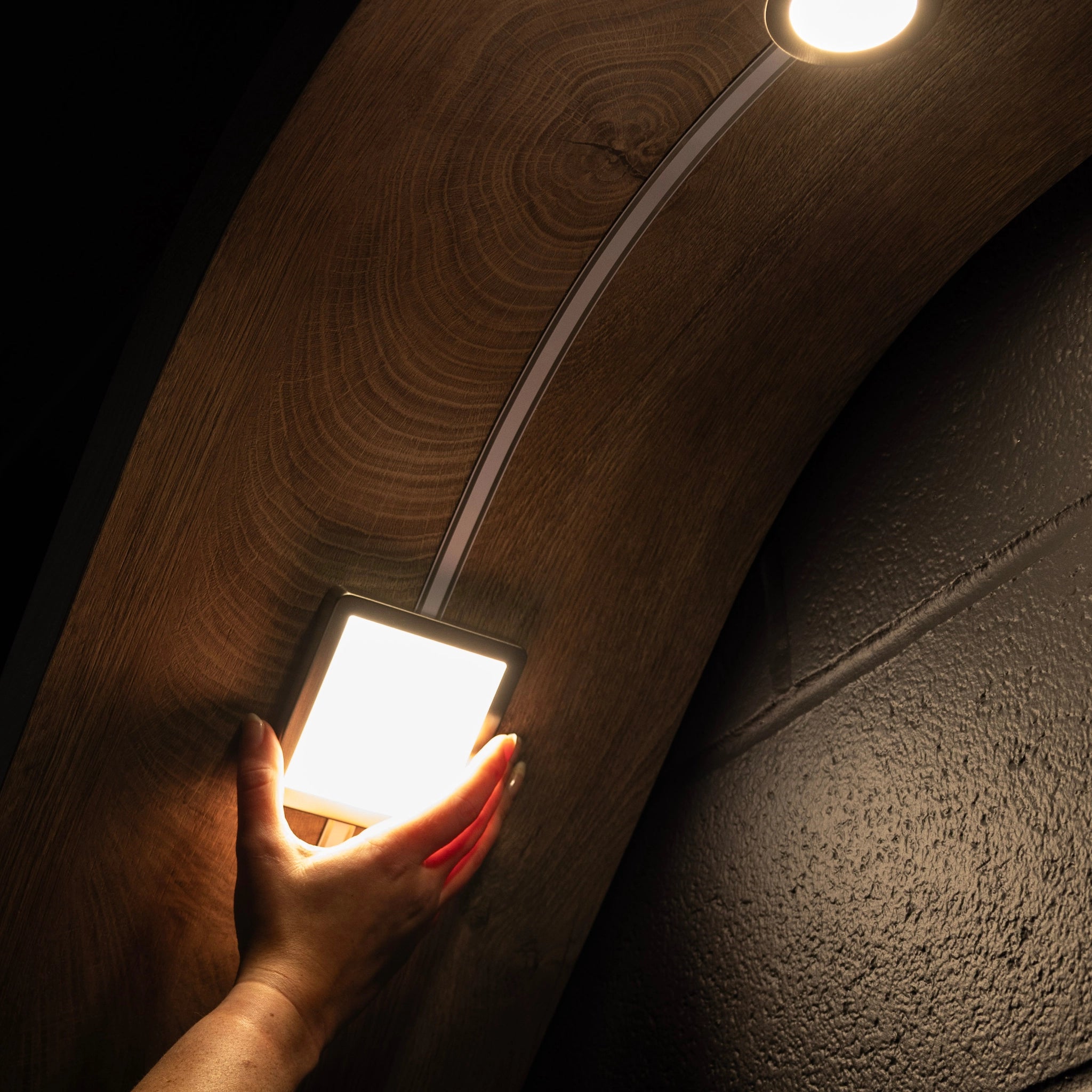
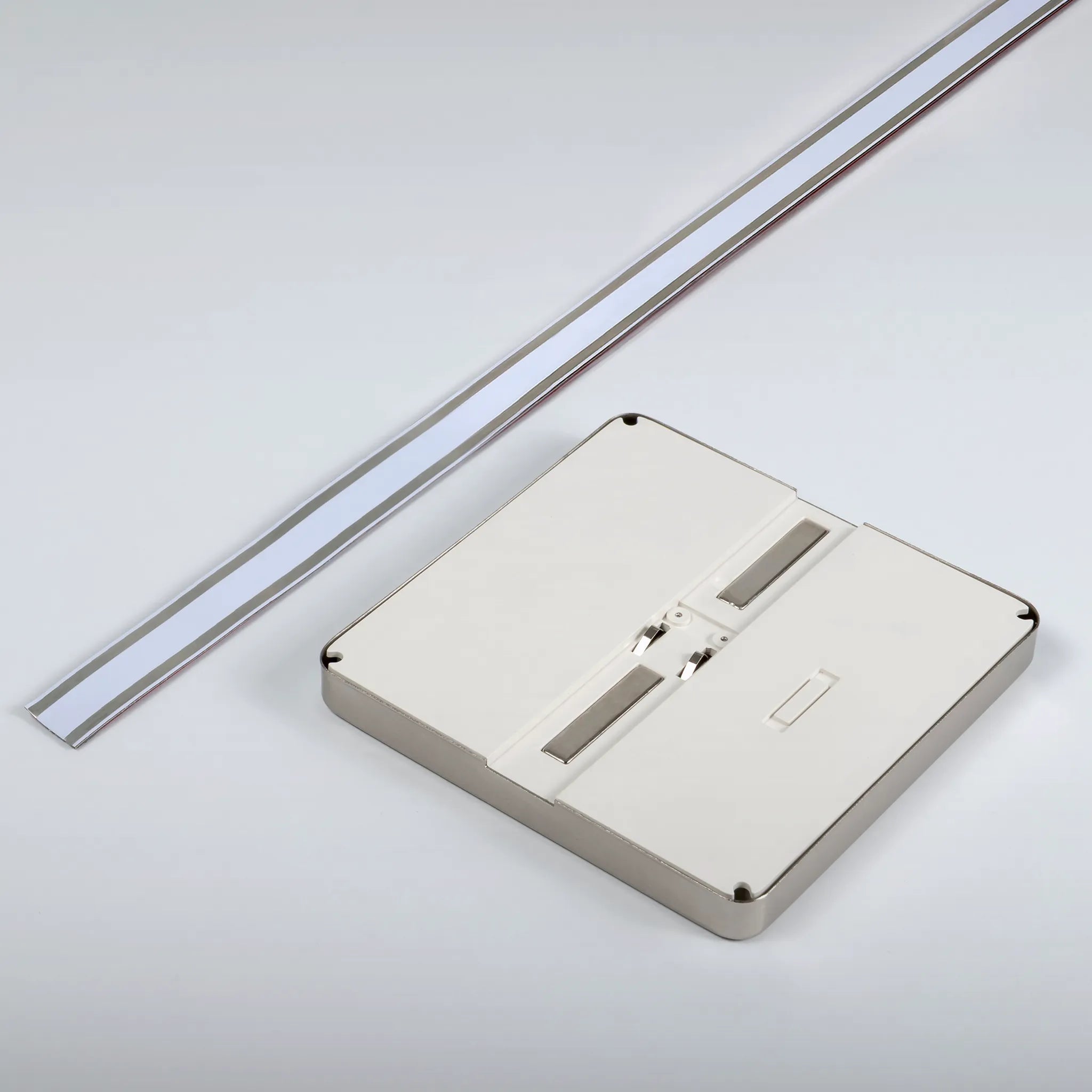
The Affinity track system uses patented technology to power the lighting and components. Simply align the magnets on the back of the accessories and place them on the track

Lighting collection
Select any combination of under cabinet spotlights and LED strip lights on your Affinity to customise your setup
Changeable accessories & control
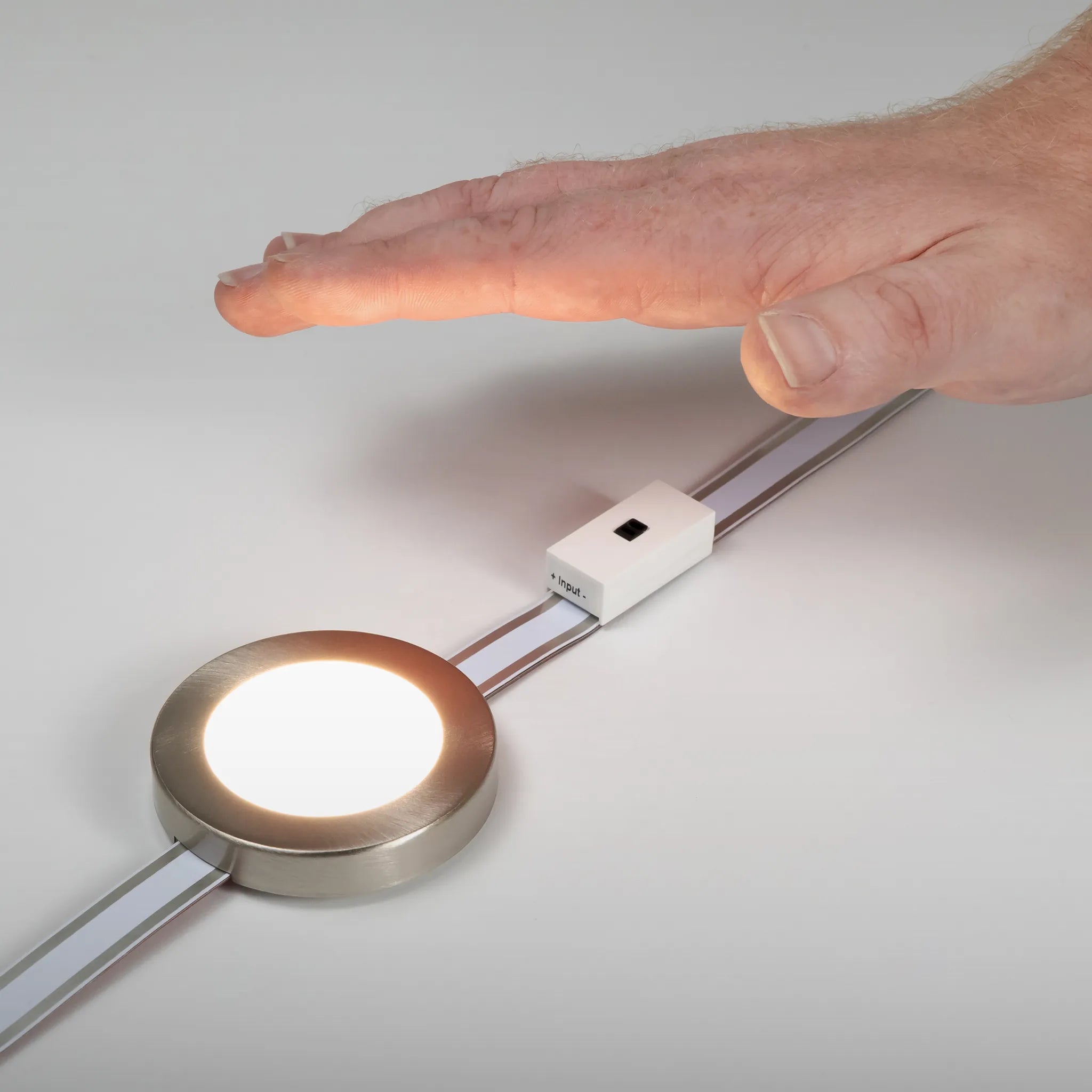
All Affinity products and accessories have magnetic technology, so you can easily change it at anytime. These include: IR Sensor & Charging Port

Ultimate versatility
Installing the Affinity
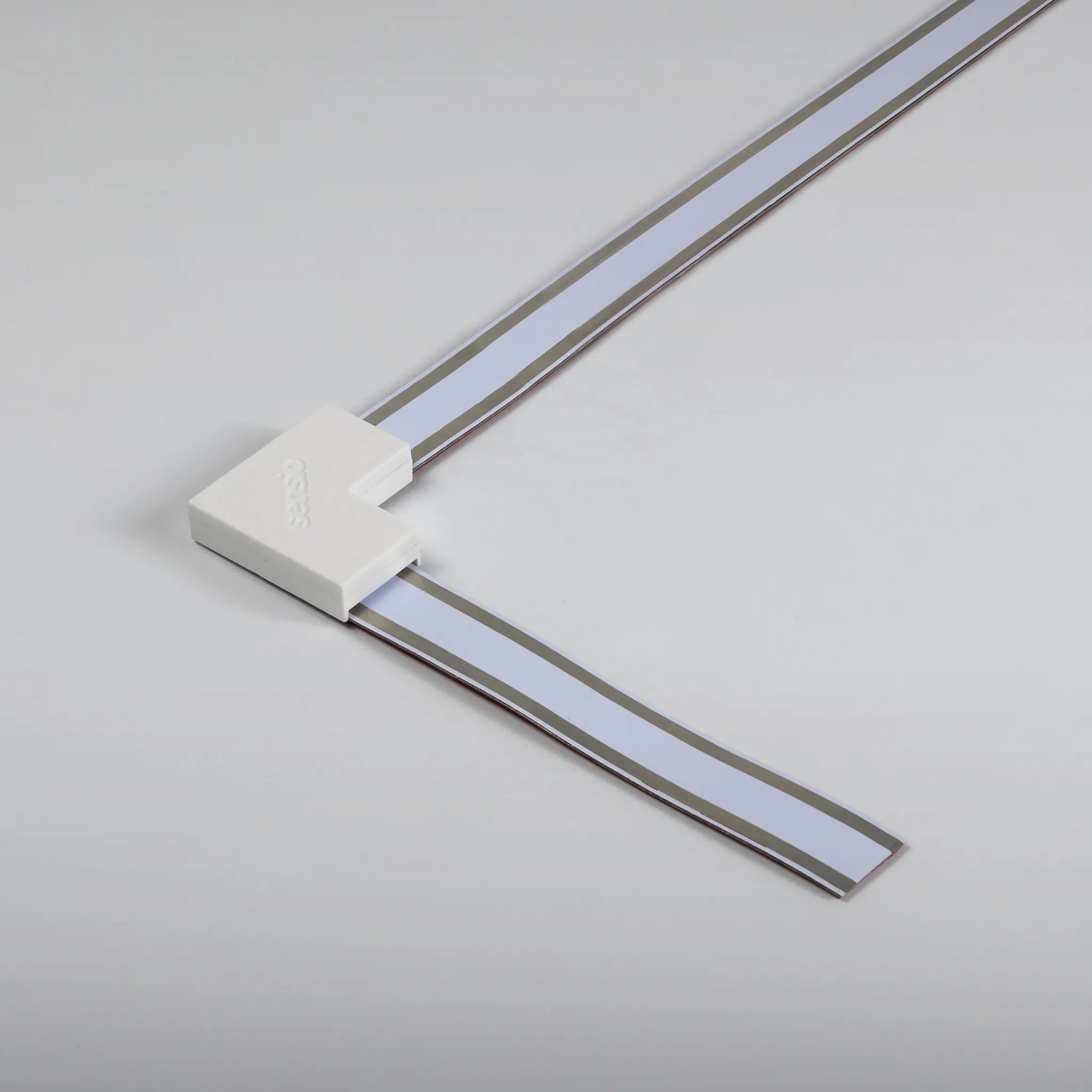
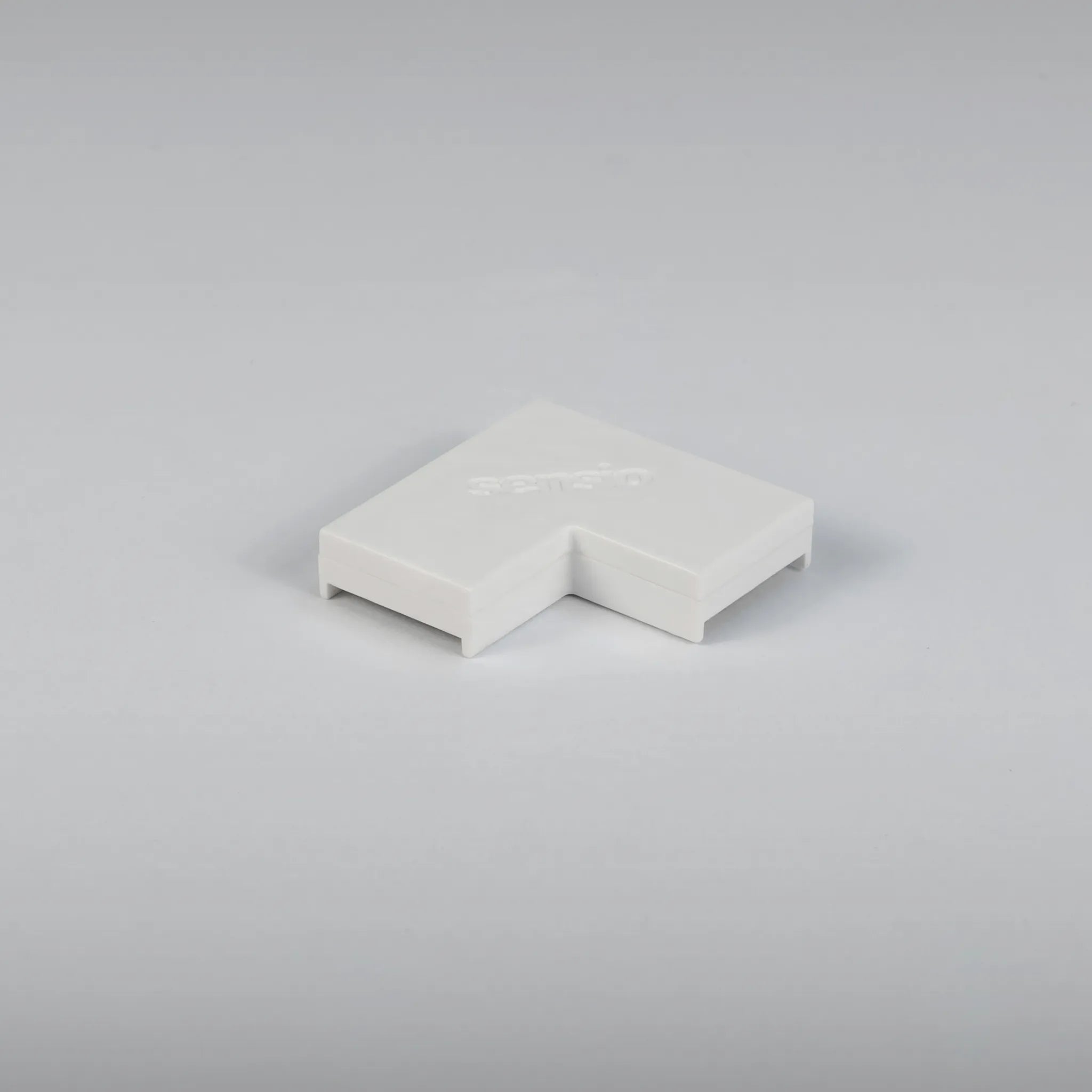
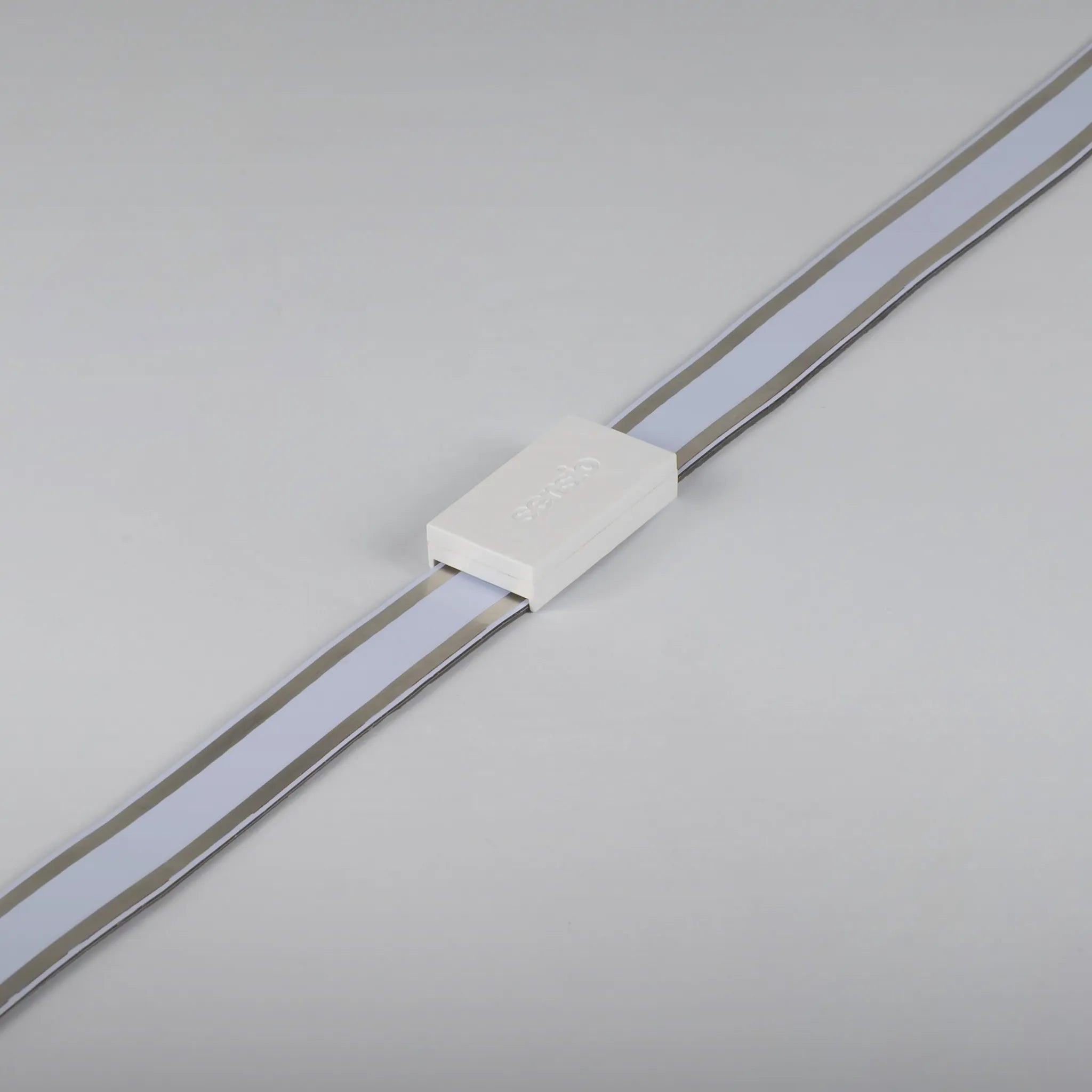
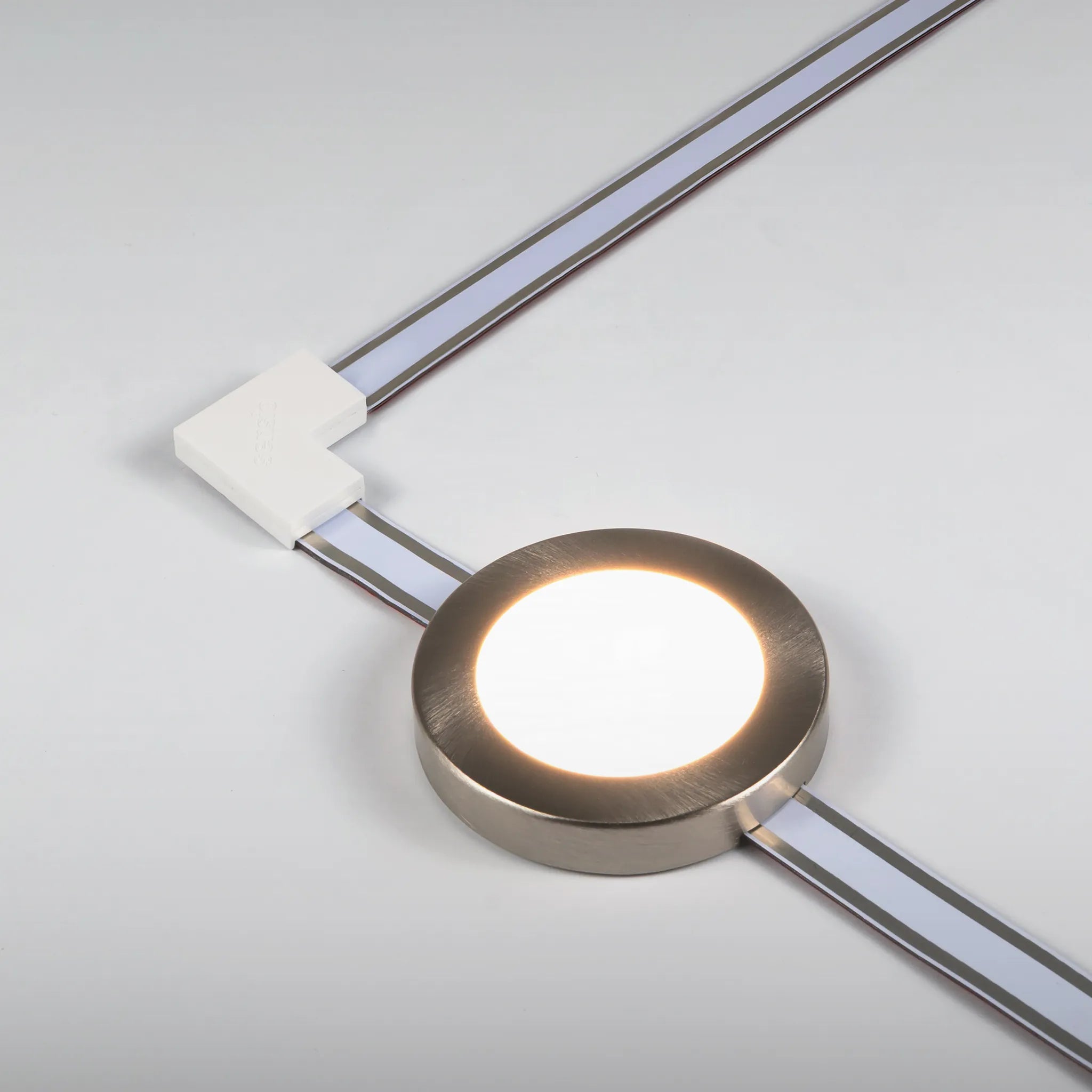
1. Cut your Affinity track to desired length, secure it under the cabinet using the VHB tape. Connectors can be used if you need to go around a corner
2. To power the track, easily connect the driver lead using the magnets on the back of the connector
3. Place and move the under cabinet lighting anywhere on the track to illuminate the specific area
Patented product
Designed in the UK
Compatible products
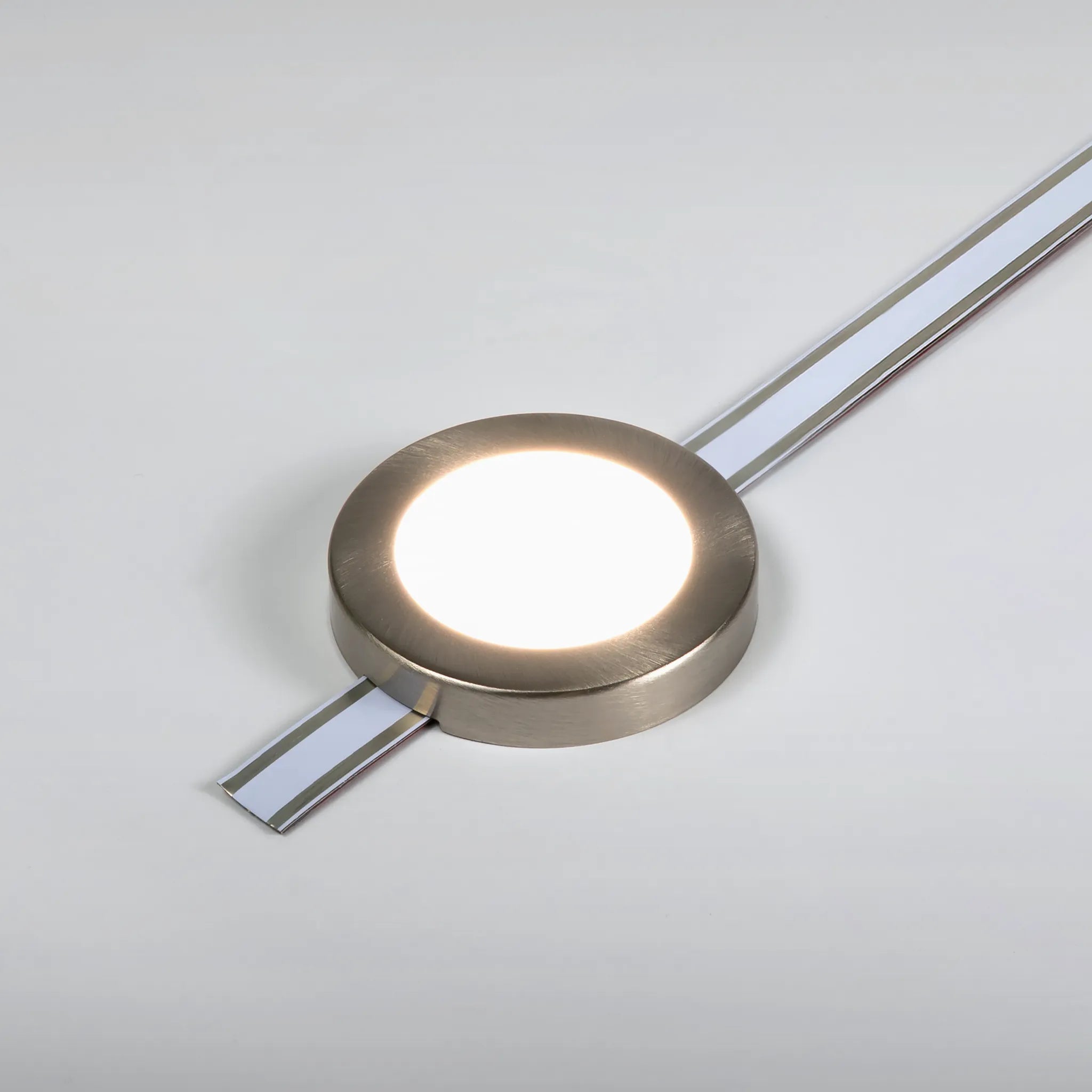
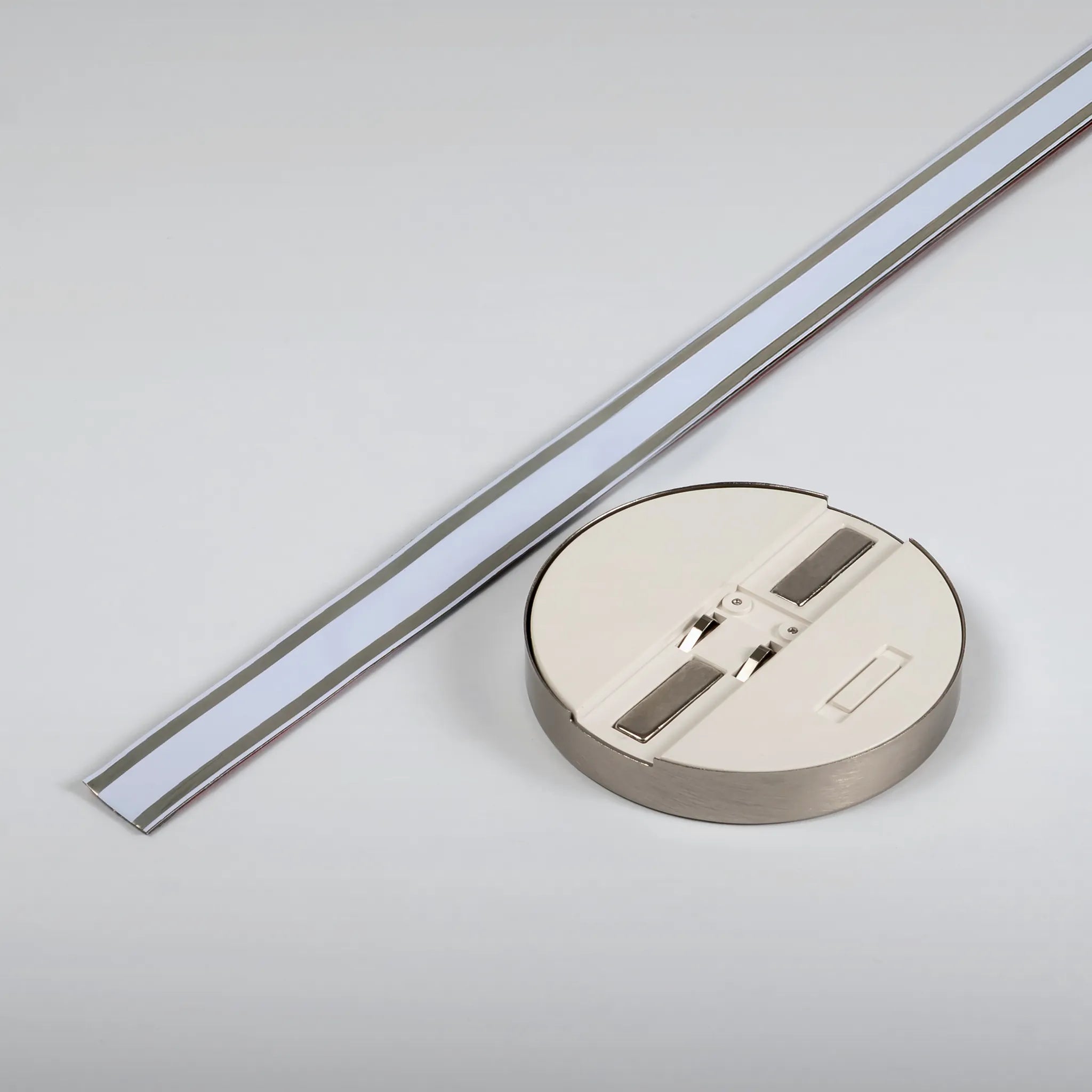
LED light for the Affinity Magnetic Track
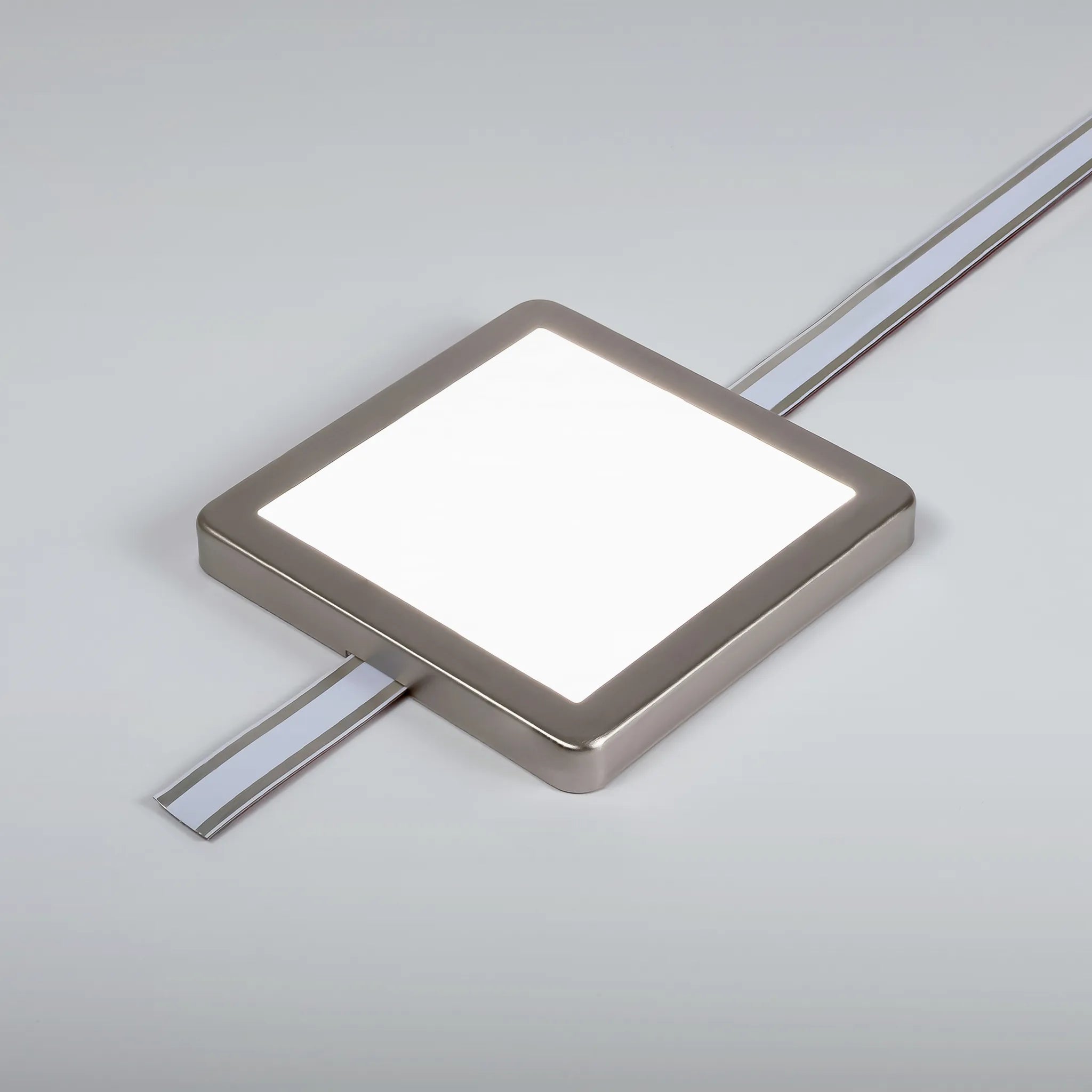
LED light for the Affinity Magnetic Track
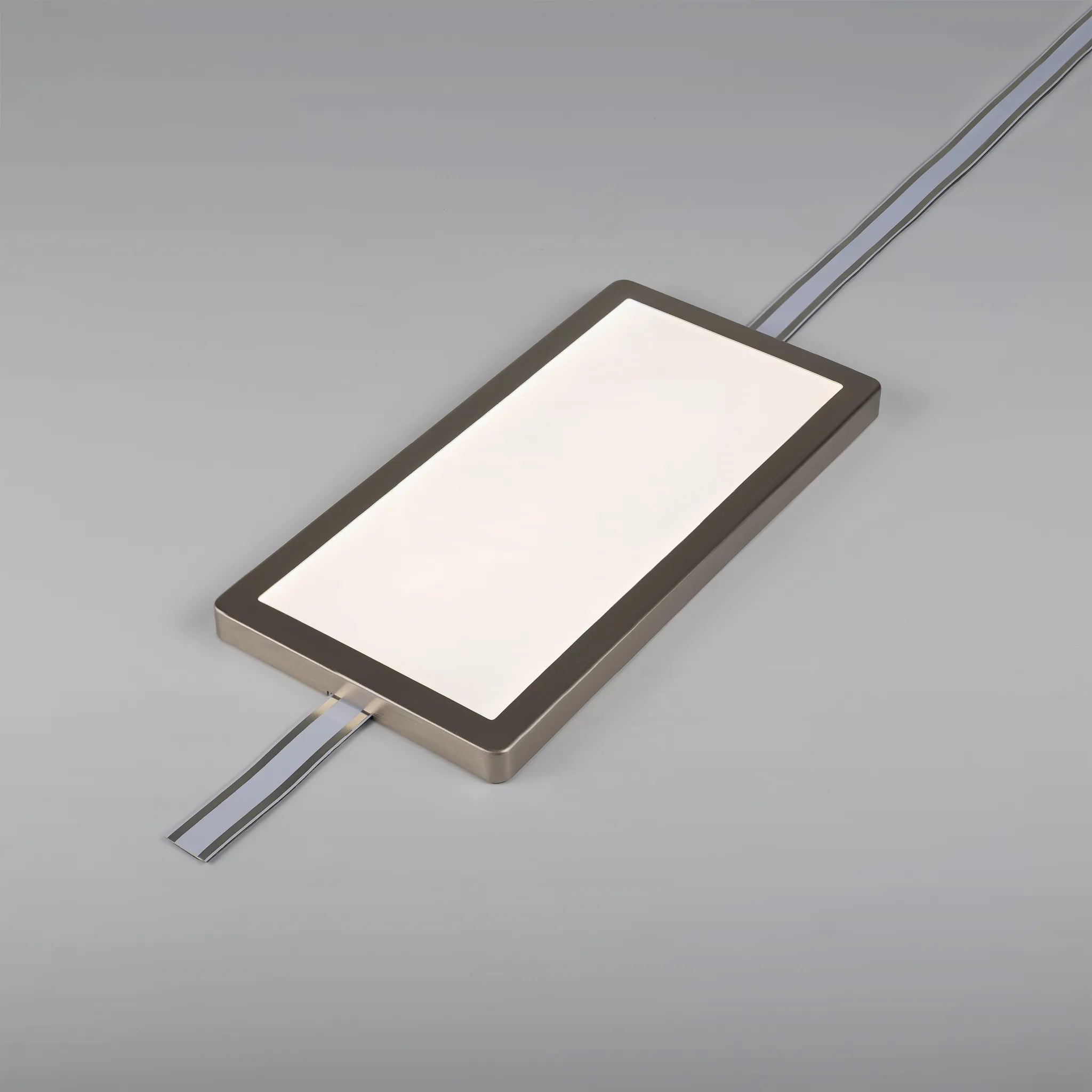
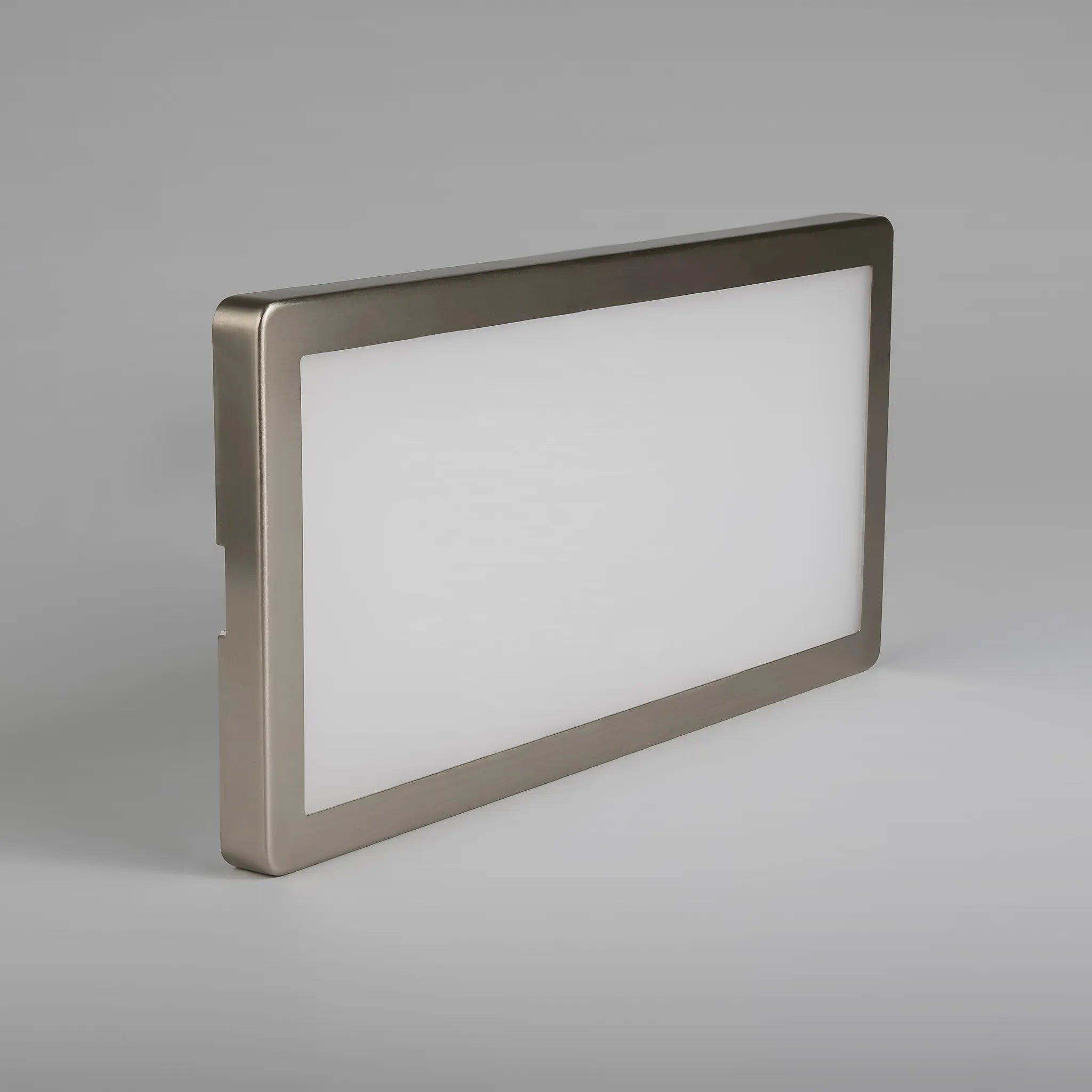
LED light for the Affinity Magnetic Track
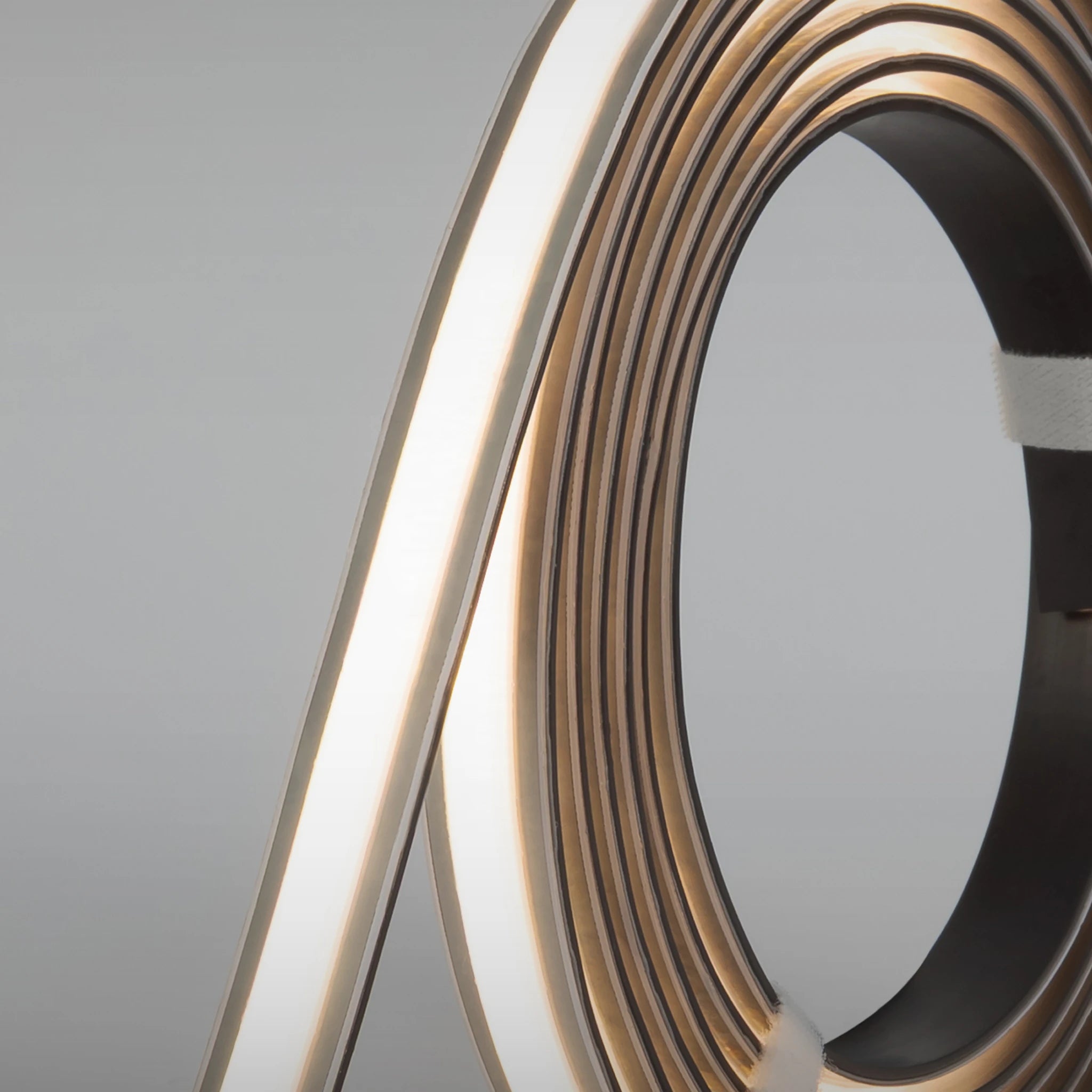
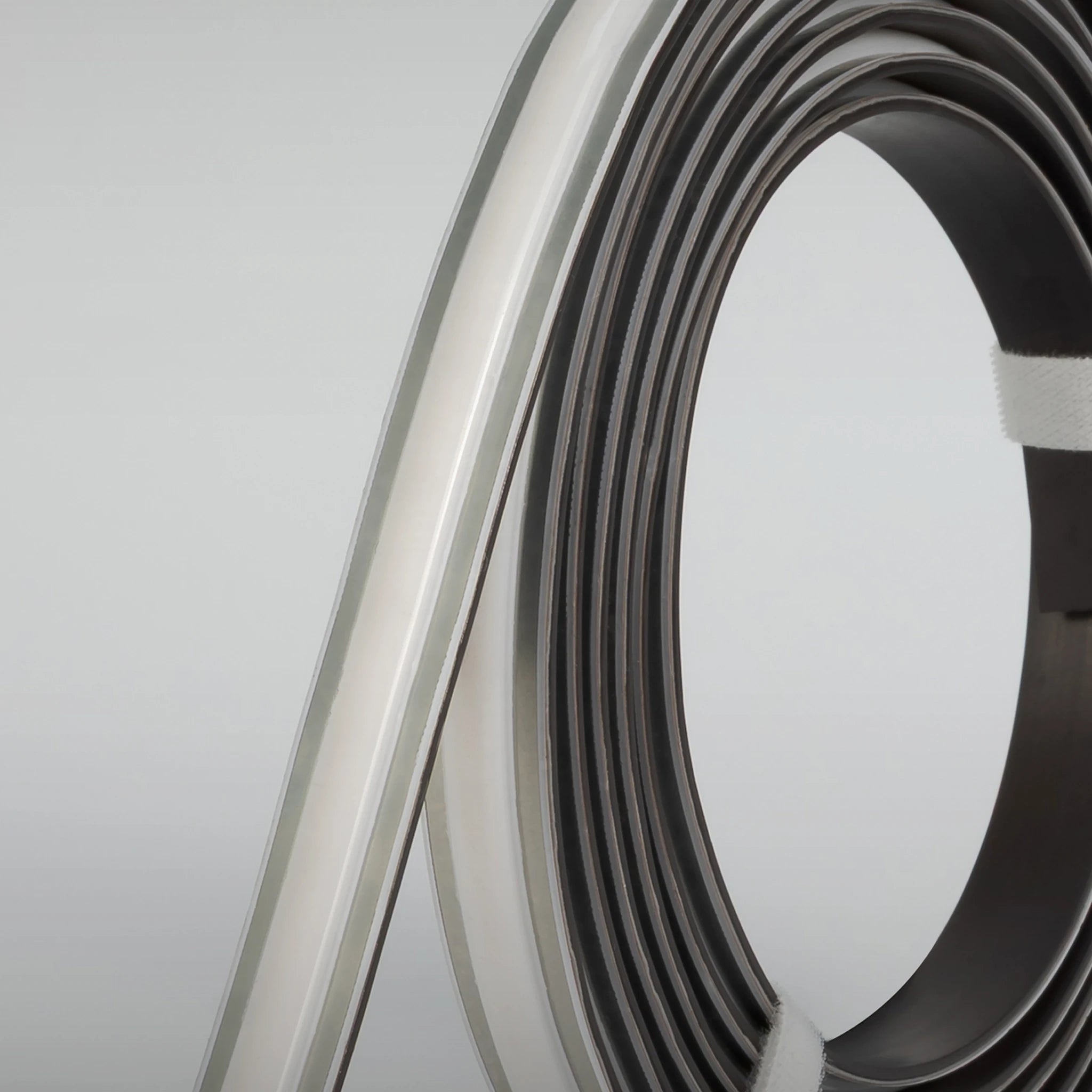
LED strip light for the Affinity Magnetic Track
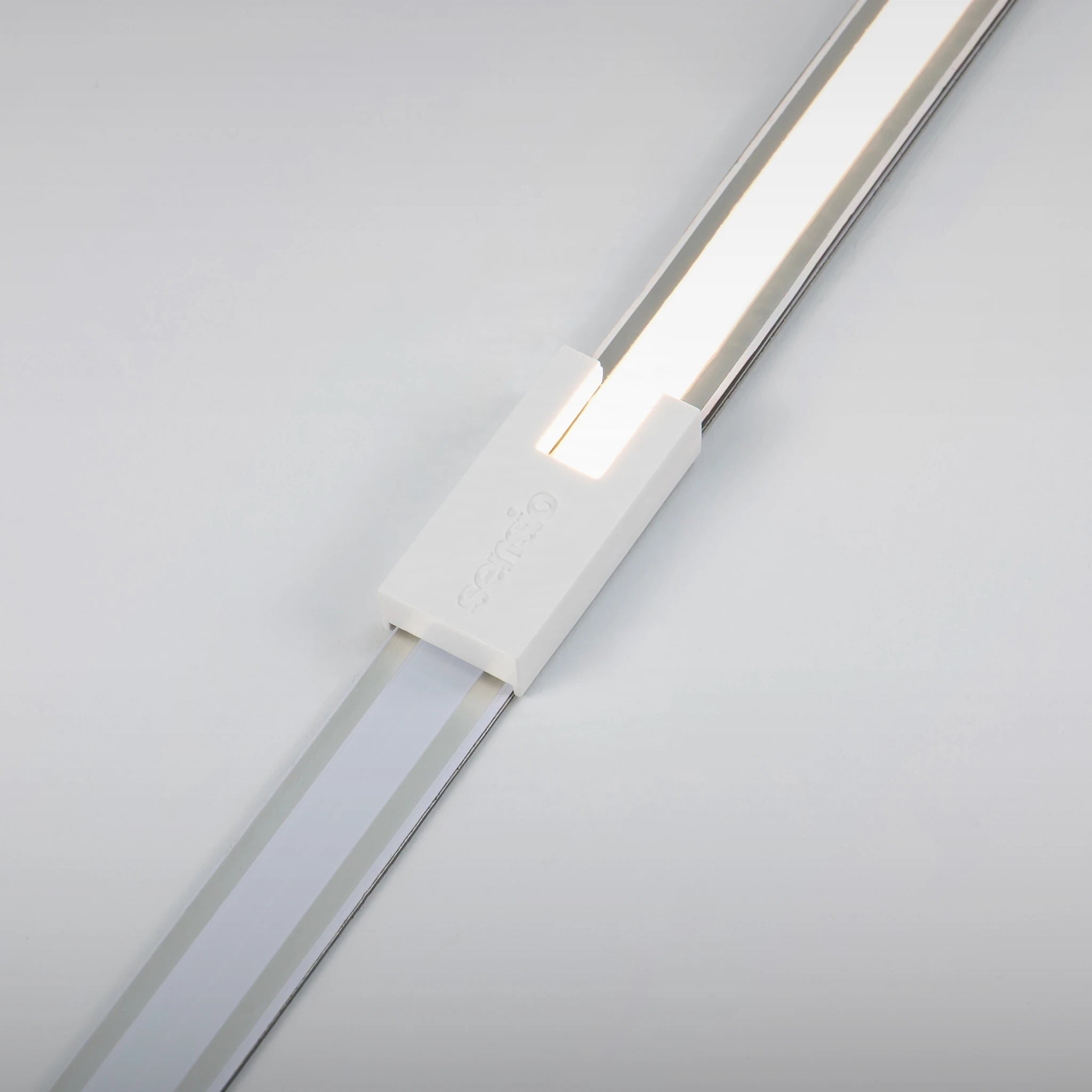
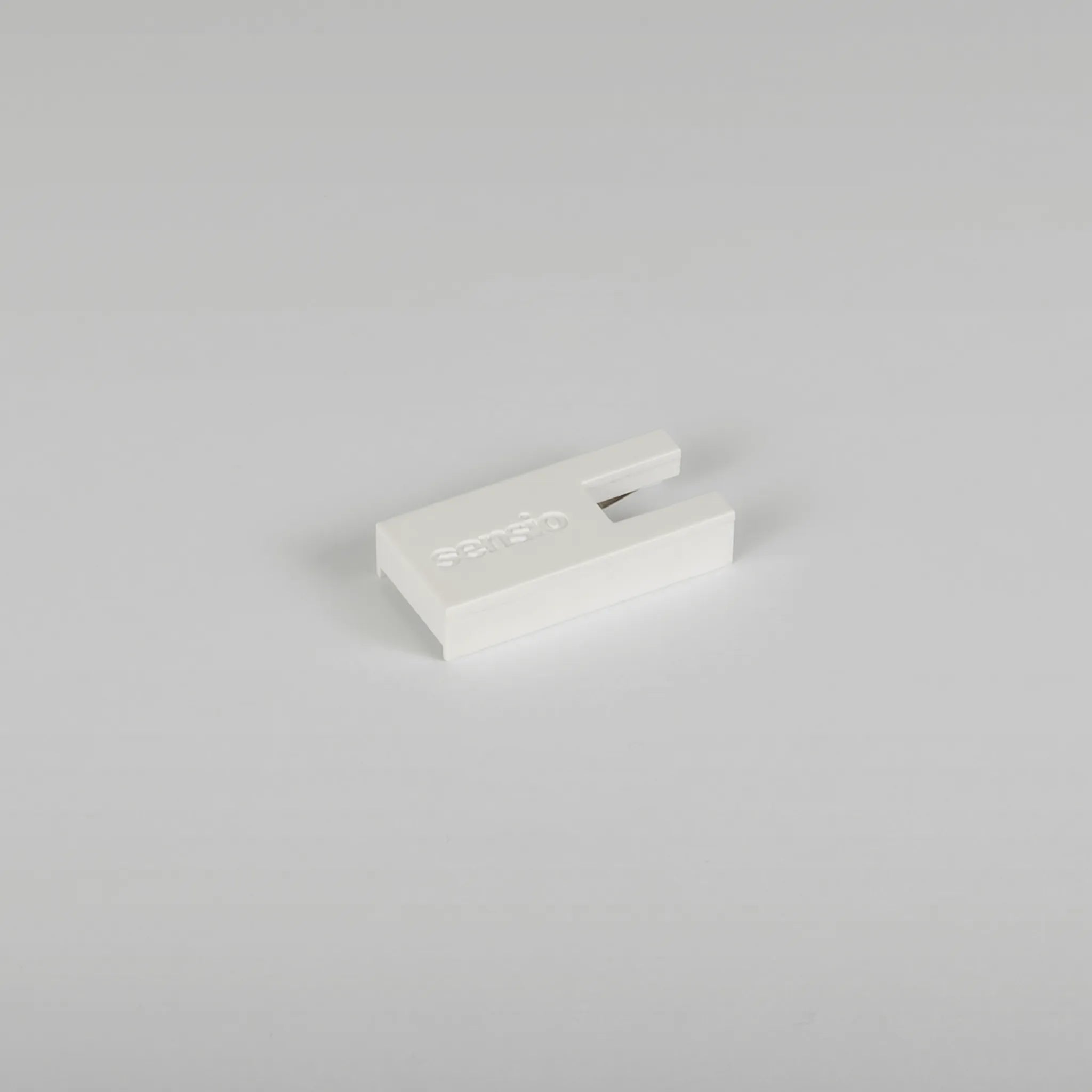
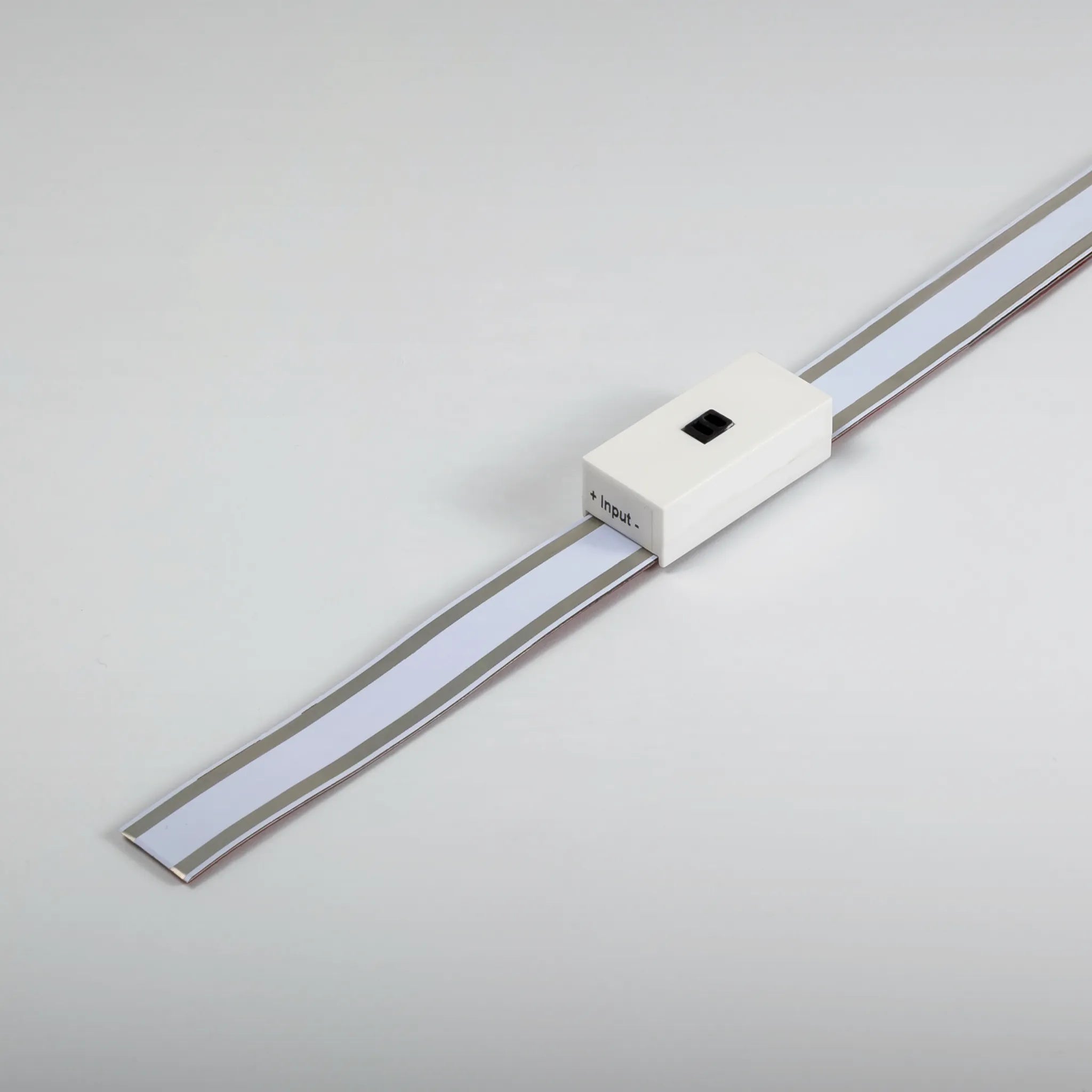


Cover accessory for Affinity Magnetic Track